Preview · Apple silicon · macOS 15+
ClipperUtils for Mac
Batch video jobs on Apple’s hardware encoders. Native, fast, and nothing is uploaded.
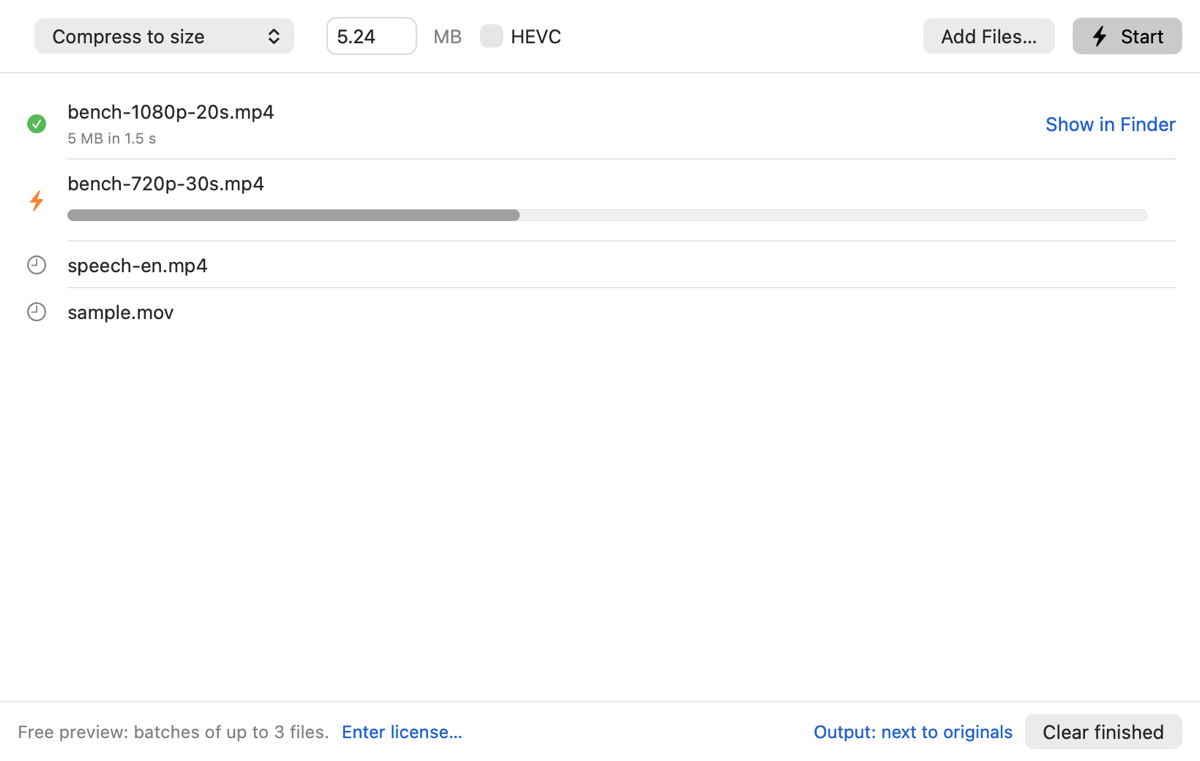
Batch everything
Drop a folder. Compress to a size, convert to H.264 or HEVC, scale down, or pull out the audio, two files at a time on the media engine.
Huge files
Reads and writes straight from disk with AVFoundation, so multi-gigabyte recordings are fine.
On-device transcription
Subtitles (SRT) with Apple’s on-device speech model on macOS 26 or later. Audio never leaves the Mac.
Same engine as the site, natively
The target-size math is shared with the web tools, so “25 MB” means the same thing everywhere.
How fast?
Compressing the same files to a quarter of their size, measured on Apple M4, macOS 27.0. Browser method.
| Input | Mac app | ClipperUtils in Chrome | FFmpeg WASM |
|---|---|---|---|
| 20 s 1080p clip | 1.51 s | 4.86 s | 24.7 s |
| 30 s 720p clip | 1.42 s | 5.49 s | 22.0 s |
Get the Mac app
The preview build works today but isn’t notarized by Apple yet, so we’re not offering it as a public download. Leave your email and we’ll send the signed version when it’s ready. The Mac app is part of ClipperUtils Pro.
Requires macOS 15 or later on Apple silicon. Transcription requires macOS 26 or later.